What I Have Learned So Far Inside Xtool Studio
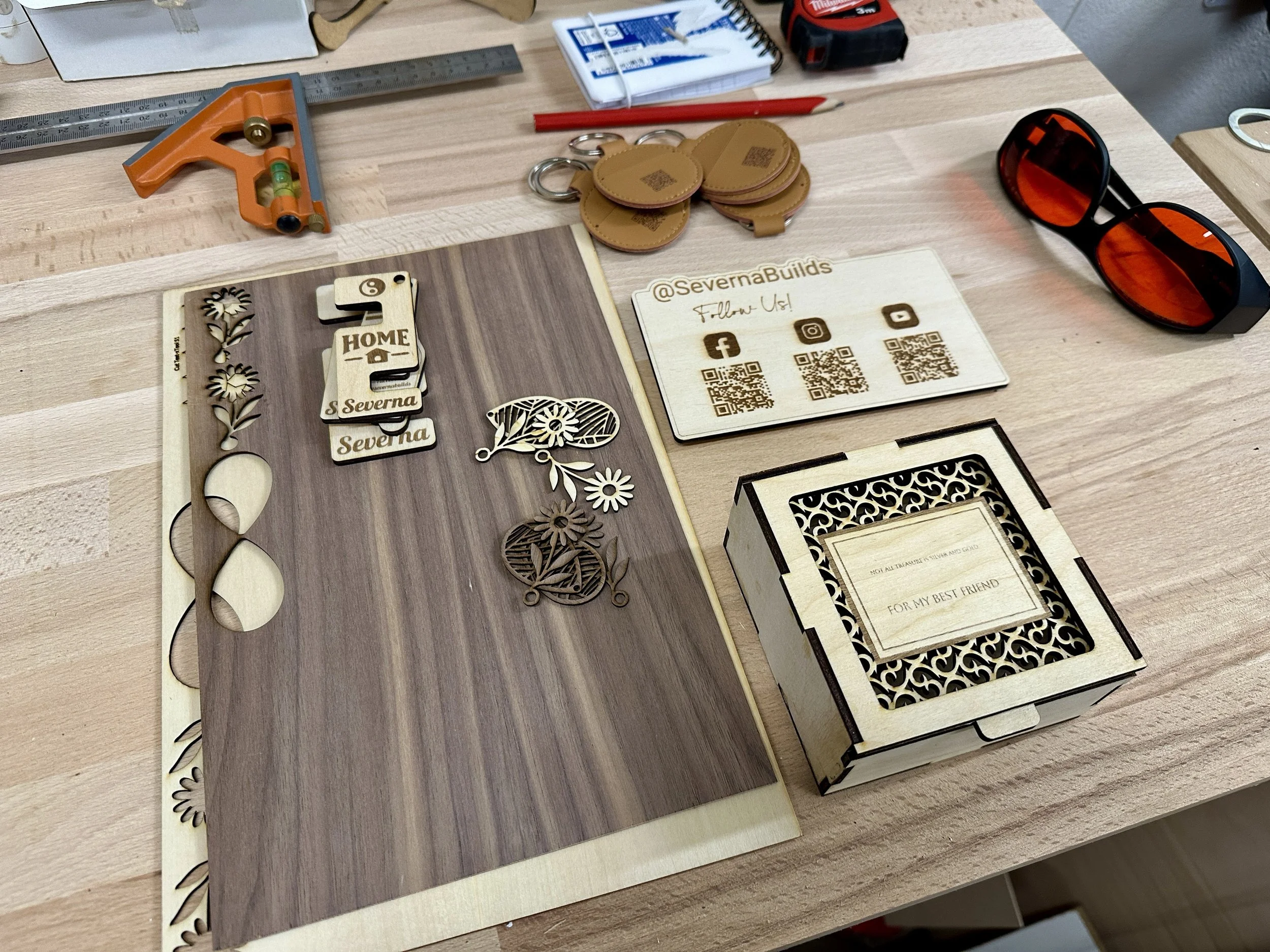
This is a quick assortment of some of the stuff I have been making with Xtool Studio
Hello there. I am still exploring Xtool Studio and there is plenty left to discover. It feels a bit like opening a workshop drawer you forgot about and finding all sorts of shiny tools waiting for their moment. Here is a quick look at what has already stood out and what I might dive into next.
Some parts of Studio need an internet connection. Basic cutting and engraving run fine without it but things like fonts templates and the AI tools can slow down if your shop WiFi signal is weak.
The template library is surprisingly large and full of ready to use ideas. You can build boxes tags stands and small projects in only a few minutes which makes it a nice option when you want a quick win.
Studio also brings AI tools that can generate or adjust images. They can be helpful although some of the more advanced features run on a credit system.
Smart nesting feels like one of the most exciting additions. It automatically arranges your designs to squeeze the most out of every sheet which keeps waste low and materials working in your favor.
The material library lets you save your own proven settings so you can return to them any time without trial and error.
If you are curious about any of these features leave a comment and I will make a video about it. I also want to hear what your experience with Studio has been or why you have not moved over to it yet.
Wishing you a great weekend and hoping you found some time for your laser.
SB