
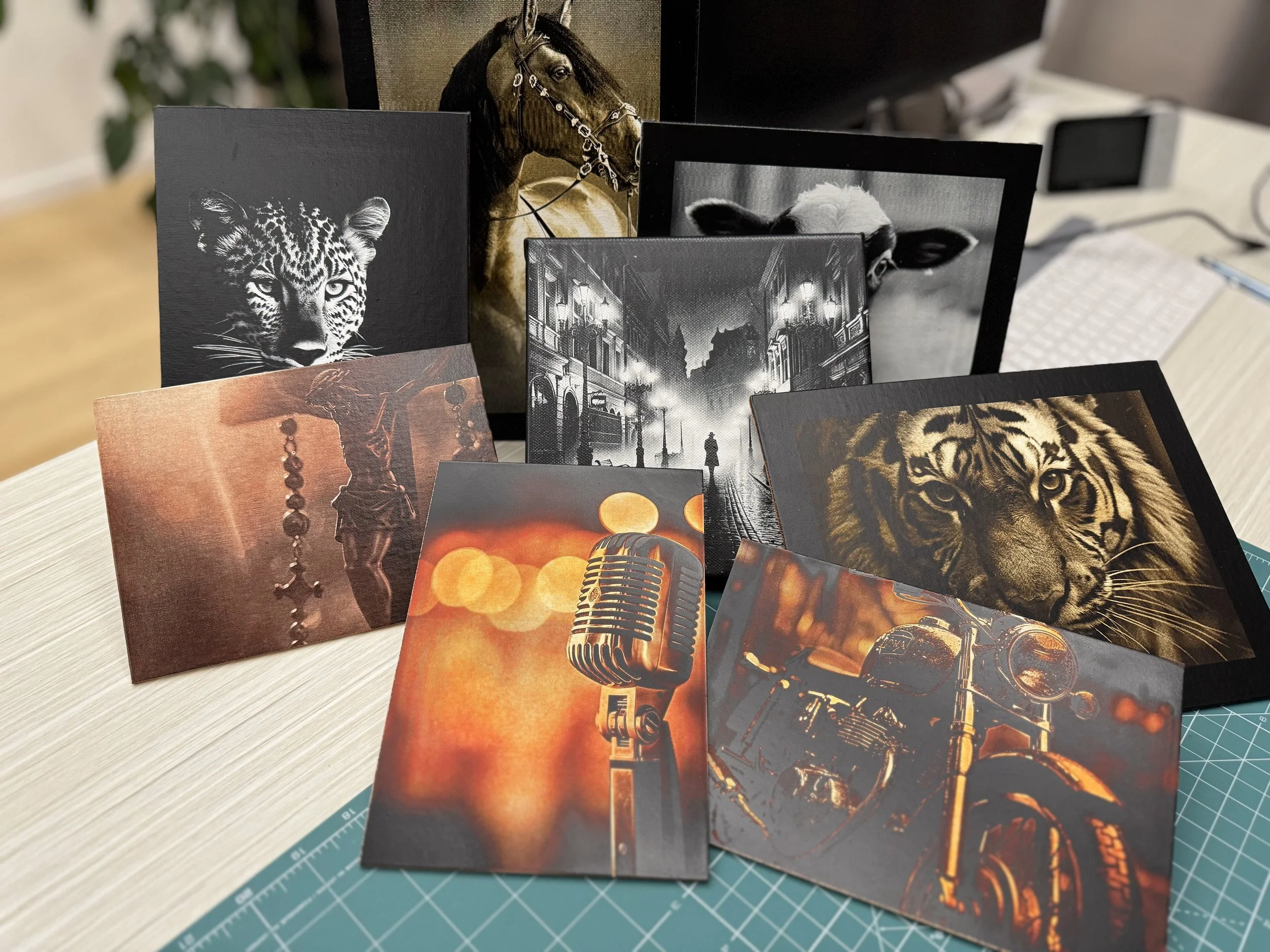

Lasers are getting smarter, software is getting easier, and AI is changing how we create. But is that actually a good thing?

The Bambu Lab R1 is getting LightBurn support. But here's the question I haven't heard nearly as much: Will R1 owners actually need it?

Bambu Lab has finally revealed the R1, its new 55W CO2 laser cutter and engraver. A few days ago I made a video trying to figure out what Bambu was building. Now we finally know.

I am breaking down the latest teasers for this new machine, the Bambu Lab R1 and how it compares to some of the other big announcements in the industry.

See how I designed a custom Halloween sign using only xTool Studio. I will walk you through the process and the latest software updates.

Are xTool X1 and Bambu Lab R1 just about lasers? I look beyond the hardware to see what these companies are really building.

The xTool X1 reveal left us with more questions than answers, so I went a little further down the rabbit hole.

The xTool X1 has finally been revealed, so I went back through the livestream to see what we actually learned.

The xTool X1 gets revealed today, and before the official announcement I wanted to share my completely unofficial guesses about what this new laser might actually be.

Get precise BambuLab H2D laser settings for Baltic Birch, slate, and canvas. Learn the exact power and speed for cleaner results today.

In this video, I test the BambuLab H2D 40W laser on plywood, basswood, painted canvas, slate, and real hybrid projects.

See how diode laser power test settings impact 3mm Baltic Birch plywood cuts. Compare results across 10W, 24W, 40W, and 48W levels.

Curious about how 3d printing integrates with laser engraving? This video explores the practical applications of a bambulab p2s
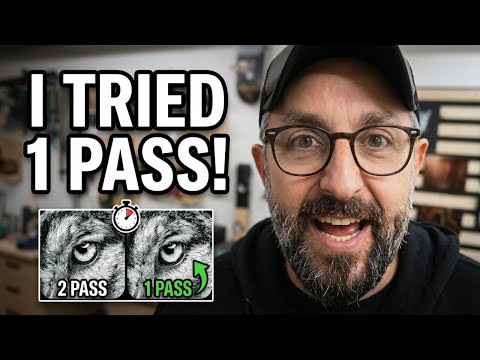
This laser engraving tutorial explores how to cut engraving time in half without compromising the final result.

If you already own a diode laser, do you really need an IR laser for stainless steel engraving?
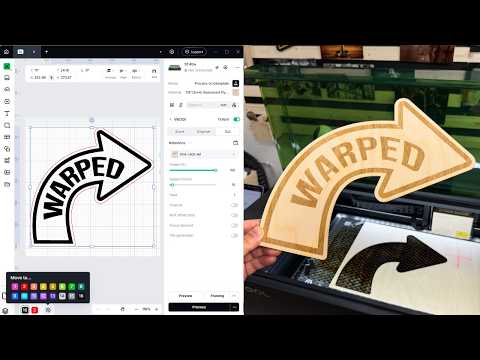
I was not planning to stop what I was doing for another software update… until I heard what XTool Studio added.
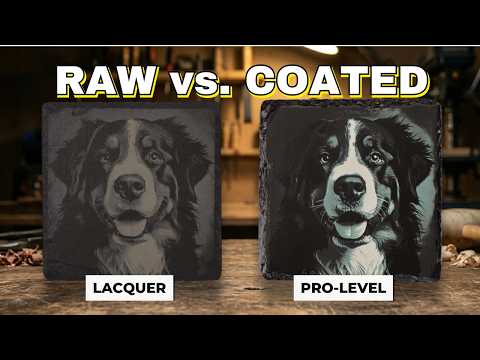
I tested 4 different ways to engrave the same photo on slate coasters, and the result that stood out most was not the one I expected.

In this video, I walk you through my full process for laser engraving slate coasters from start to finish

Today, I'm diving into my slate coaster series, but with a twist! This video isn't just another coaster project; it's a deep-dive into what methods are truly effective for laser engraving and what's just a waste of time.

xTool Studio just updated again and the new Generators are packed with quick project options.

Can xTool AImake save you hours of design time for laser engraving and cutting. I tested it like a normal hobbyist. No tech talk, just results.

Join me as I walk through a creative process, showcasing a fun mix of digital design and hands-on physical crafting.

If you are new to xTool Studio ATOMM can be the shortcut that gets you making projects fast.

A practical laser buying guide for 2026 that helps you cut through marketing, ask the right questions, and choose a machine that fits your projects, materials, space, ventilation, and safety need

This video shares my experience with brand deals and sponsorships for my laser projects, especially within our niche online community

A good template gets you started. The right measurements make it useful. In this final video of the xTool Studio Product Generators mini series, I show how I designed a tissue box that fits perfectly using xTool Studio and just a handful of clicks.

The real test of any xTool Studio generator is what happens once you take the design off the screen and into the shop. In this video I show you the full workflow using the new xTool Studio Product Generators and cut several projects including a tissue box, a treasure box, an ornament, and a puzzle.

xTool Studio has been changing fast, and the product generators are the biggest upgrade so far. Boxes, keychains, earrings, puzzles, ornaments, all made in minutes.

Batch Fill in xTool Studio just got a major upgrade, and today I show you how to use it in real projects with coasters and keychains. Whether you are new to laser engraving or making the jump from XCS to Studio, this walkthrough gives you a clear look at the new recognition system and how to place multiple engravings with almost no setup.

Getting the right settings for your engravings does not need to be guesswork. In this video I show you how I use the Material Test Array inside Xtool Studio to dial in perfect laser engraving results on every material.

The world of xTool Studio can feel unfamiliar at first but it offers real power that XCS simply cannot match. In this video I highlight the five features that make the upgrade worth your time. These tools give you better control of images, shapes, device settings and final results and they help both beginners and mid level creators build confidence with each project.

If Xtool Studio has you scratching your head, this video will help you get back on track. I walk through the biggest pain points users are facing like slow performance, missing menus, and all those “where did my tools go?” moments , and show you how to make sense of the new layout.

I’ve tested a lot of lasers, but this is the first one I’ve run right here in my office. The Sculpfun iCube Ultra promises power, safety, and portability and I wanted to see if it could really deliver.

Can a box of kids’ tempera paint really outshine a professional glass marking spray that costs over $40?

I wanted to find out if an airbrush could turn humble tempera paint into a serious contender for glass engraving.

I finally tested my first professional laser marking spray: the xTool Glass & Metal Marking Spray.

Want to engrave glass using your diode laser without spending big on pro marking sprays?

Let me start by being completely honest with you. I was skeptical that a diode laser could engrave stainless steel.

Just got your Xtool laser and wondering what to do next? This video is your complete walkthrough of Xtool Creative Space (XCS)

Sure, laser engravers look amazing, but what's the REAL cost of owning one?
Discover laser engraving on a painted canvas in this step by step tutorial that shows no secrets about the laser engraving process,

Learn how to fix laser engraving mistakes on painted canvases. In this video, I share 10 rookie mistakes and how to easily fix them for perfect results.

Looking for the best way to laser engrave on canvas? Watch this video to see how the @xToollaser S1 diode laser makes DIY canvas engraving easy and precise!